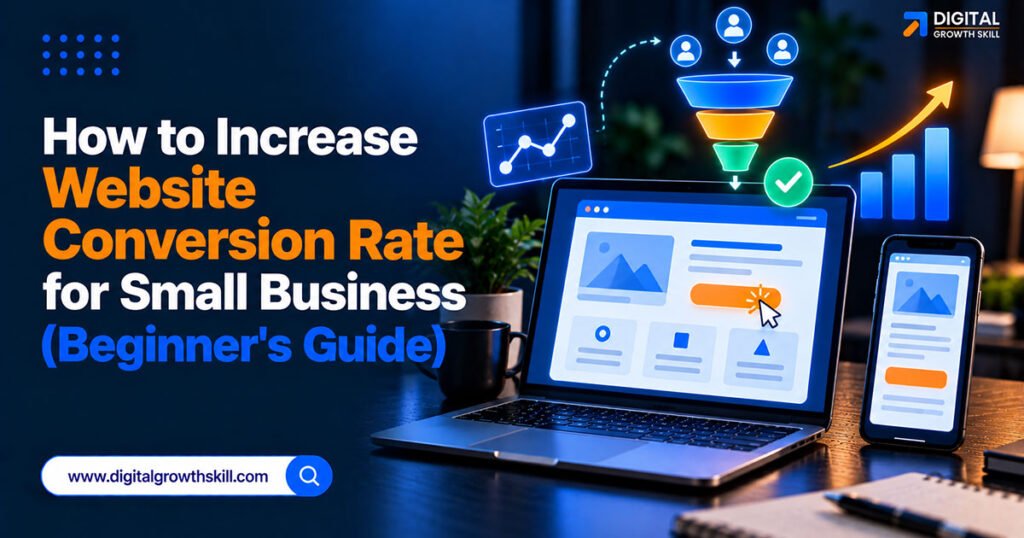
How to increase website conversion rate for small business owners usually starts in the wrong place — a new logo or a redesigned homepage — when the real gains typically come from smaller, less glamorous fixes: page speed, a clearer call to action, and removing friction from forms. This beginner’s guide walks through what actually moves conversion rate, in the order that matters most. It pairs well with our local SEO checklist for small businesses in India, since traffic and conversion are two halves of the same problem.
Quick Answer: For most small business websites, the fastest conversion rate gains come from three areas: fixing page speed (specifically Core Web Vitals), simplifying your primary call to action so there’s one clear next step, and reducing form fields to only what’s essential. These matter more early on than visual redesigns or advanced A/B testing.
Key Takeaways
- Page speed is a conversion factor, not just an SEO one — slow-loading pages lose visitors before they ever see your offer.
- A single, clear call to action outperforms a page offering visitors five different things to do.
- Every extra form field reduces completions; ask only for what you genuinely need at this stage.
- Trust signals — reviews, clear contact details, secure checkout indicators — matter more for unfamiliar visitors than for returning ones.
- Conversion rate optimization is iterative; expect to test and adjust rather than get it right in one redesign.

What Does “Conversion Rate” Actually Mean for a Small Business?
Conversion rate is the percentage of website visitors who complete the specific action you want — a form submission, a call, a purchase, a WhatsApp message — out of everyone who visited. A site getting 1,000 visitors a month with 20 enquiries has a 2% conversion rate.
Before optimizing anything, define your one primary conversion goal per page. A page trying to drive a phone call, a newsletter signup, and a purchase all at once usually does none of them particularly well.
How Do You Fix Page Speed First: Core Web Vitals in Plain Terms?
Page speed affects conversion rate directly — visitors on a slow-loading page frequently leave before your content even appears, let alone your call to action. Google measures this through three Core Web Vitals metrics, and INP replaced the older First Input Delay metric as the responsiveness measure in 2024.
| Metric | What It Measures | “Good” Threshold |
|---|---|---|
| LCP (Largest Contentful Paint) | How fast your main content loads | Under 2.5 seconds |
| INP (Interaction to Next Paint) | How responsive the page feels when clicked or tapped | Under 200 milliseconds |
| CLS (Cumulative Layout Shift) | How much the page visually shifts while loading | Under 0.1 |
This matters even more for Indian small business sites, where a large share of visitors arrive on mid-range mobile devices over 4G rather than fast broadband. Google has published case studies — including Indian companies like RedBus improving sales after fixing responsiveness — showing that Core Web Vitals improvements translate into measurable revenue gains, not just better rankings. The right platform choice matters here too — see our comparison of WordPress vs Wix/Squarespace for Indian small business and best WordPress plugins for small business websites in India for the tool-level side of implementing speed fixes.
How Do You Give Visitors One Clear Next Step?
A page with one obvious call to action converts better than a page offering several competing options. If your homepage has a “Call Now” button, a newsletter signup, a “Shop Now” link, and a WhatsApp icon all fighting for attention, visitors often act on none of them.
Pick the single most valuable action for that specific page, make the button visually distinct, and keep secondary options genuinely secondary — smaller, less prominent, and clearly not competing for the same attention.
How Do You Reduce Friction in Every Form?
Every additional field on a form measurably reduces how many people finish filling it out. Ask only for what you need to take the next step — usually a name and either a phone number or an email, not both plus a company name plus a message box, unless you genuinely need all of it immediately.
For Indian audiences specifically, offering a WhatsApp click-to-chat option alongside or instead of a traditional form often converts better, since many visitors would rather message than fill out a form at all — see how to generate leads on WhatsApp for small business for the full setup.
Where Should You Add Trust Signals?
Unfamiliar visitors look for evidence you’re a real, reliable business before converting, especially before entering payment details. Genuine customer reviews, a visible phone number and address, clear return or refund policies, and secure checkout indicators all reduce hesitation at the exact moments visitors are deciding whether to proceed.
Place these signals near the decision point itself — next to a checkout button or a contact form — rather than only on a separate “About Us” page nobody visits before converting.
Why Should You Test Changes Instead of Guessing?
Conversion rate optimization works best as an ongoing, tested process, not a one-time redesign. Even simple before-and-after comparisons — tracking enquiries for a month before and after a specific change — give you real signal on whether a change actually helped, without needing complex A/B testing software from day one.
Change one meaningful thing at a time where possible, so you can tell what actually caused a shift in results.
What Are Common Mistakes Small Businesses Make?
Redesigning the entire site at once, changing dozens of things simultaneously, makes it impossible to know what actually improved conversion rate — or what quietly made it worse. Chasing visual trends over genuine usability is a close second; a beautiful page that’s slow or confusing to act on still converts poorly.

Frequently Asked Questions
Q1. What’s a good conversion rate for a small business website?
It varies significantly by industry and traffic source, so there’s no single universal benchmark. The more useful practice is tracking your own site’s rate over time and improving it incrementally, rather than comparing against an industry average that may not reflect your specific business.
Q2. Does page speed really affect conversions, or just SEO rankings?
Both. Slow pages lose visitors before they see your content, independent of any ranking impact — Google’s own published case studies show revenue gains tied directly to Core Web Vitals improvements, not just search visibility.
Q3. Should I add more trust signals or a shorter form first?
If your form abandonment rate is high, shorten the form first — that’s usually the faster, more direct fix. Trust signals matter most right before a payment or a higher-commitment action.
Q4. How long should I test a change before deciding if it worked?
Long enough to gather a meaningful sample of visitors and conversions, typically a few weeks for most small business traffic levels, rather than judging results after just a few days.
Q5. Is a website redesign the best way to improve conversion rate?
Usually not as a first step. Targeted fixes — speed, a clearer call to action, shorter forms — tend to produce faster, more measurable gains than a full redesign, and let you learn what actually mattered before committing to bigger changes.
Conclusion
Increasing website conversion rate for a small business rarely requires a complete redesign — it starts with fixing page speed, giving visitors one clear next step, shortening forms, and placing trust signals where hesitation naturally happens. Test changes deliberately rather than guessing, and treat conversion rate optimization as an ongoing practice that compounds over time, not a project with a finish line.