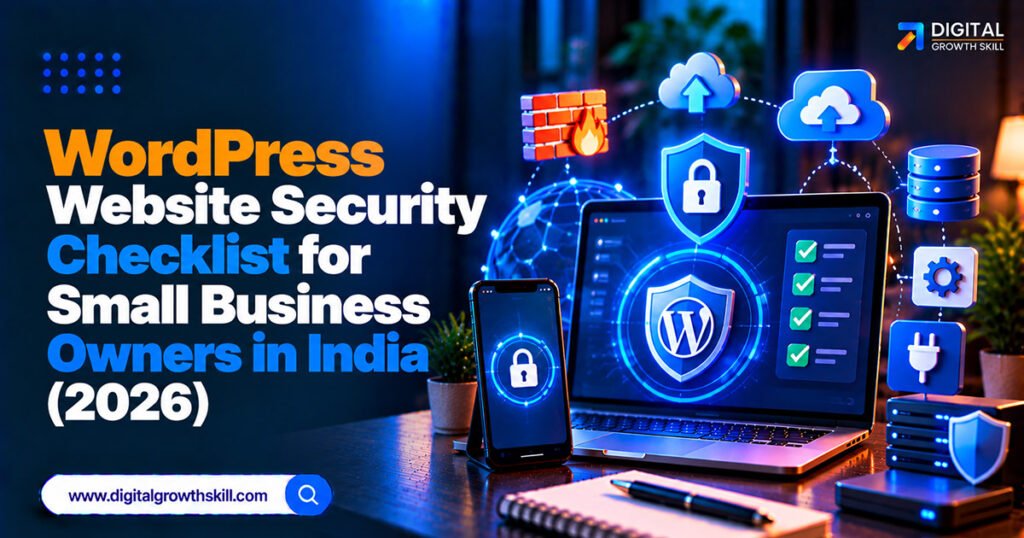
A WordPress website security checklist for small business owners in India doesn’t need to be technical, because most hacked sites are compromised through the same few avoidable gaps: outdated plugins, weak logins, pirated themes, and backups nobody tested. This guide walks through the checks that matter most, in order of impact, with a simple routine you can follow weekly and monthly.
Quick Answer: The highest-impact steps are keeping plugins, themes, and WordPress updated, deleting anything unused, turning on two-factor authentication for every admin, never installing nulled (pirated) themes or plugins, and keeping automatic off-site backups you’ve actually tested restoring. Patchstack’s 2026 report found roughly nine in ten new WordPress vulnerabilities are in plugins, so plugin hygiene matters more than almost anything else.
Key Takeaways
- Plugins are the main risk, not WordPress itself, according to Patchstack’s 2026 State of WordPress Security report, which found about 91% of new vulnerabilities are in plugins.
- Two-factor authentication on admin accounts is now widely treated as essential, since a stolen password alone then isn’t enough to log in.
- Nulled plugins and themes, pirated copies of paid products, often contain backdoors and are one of the fastest ways to get hacked.
- A backup you’ve never tried restoring may not work when you need it.
- A security plugin helps, but it covers only part of the picture alongside updates, access control, hosting, and backups.
Why Plugins Are the Real Risk
Most WordPress compromises don’t come from WordPress core but from vulnerable or abandoned plugins sitting on the site. Patchstack’s 2026 report, cited by several security sources, found around 91% of new vulnerabilities in plugins, a small share in themes, and very few in core.
This explains the pattern behind most hacked small business sites: the owner installed a plugin years ago, never updated it, and an automated bot found the flaw. Reducing your plugin count and keeping the rest current removes most of the risk.
Updates and Plugin Hygiene
Outdated software is the leading cause of WordPress compromises, so updating promptly is the single most valuable habit. Turn on automatic updates where you can, and test major WordPress releases on a staging copy if your site is complex.
- [ ] Update WordPress core, themes, and plugins at least weekly.
- [ ] Delete plugins and themes you aren’t using, since even inactive ones can contain vulnerabilities.
- [ ] Replace plugins that haven’t been updated in a long time.
- [ ] Avoid installing two plugins that do the same job.
- [ ] Run a currently supported PHP version, which you can usually change from your hosting panel.
Secure Your Logins
Weak or reused passwords are a common way in, and two-factor authentication blocks most of that risk. Credential-stuffing attacks reuse passwords leaked from other sites, so a password that’s strong but reused can still fail you.
- [ ] Enable two-factor authentication for every administrator, using an authenticator app rather than SMS where possible.
- [ ] Use a unique, long password for each account, stored in a password manager.
- [ ] Limit login attempts so repeated failures temporarily lock an IP.
- [ ] Avoid “admin” as a username, and give staff only the user role they need.
Never Use Nulled Themes or Plugins
Pirated copies of premium themes and plugins frequently include hidden malware, and saving the licence fee is rarely worth the risk. Nulled products also don’t receive legitimate updates, so you lose the security patches that matter most.
If a premium plugin is too expensive, look for a free alternative in the official WordPress plugin directory or a lower-priced licence from the developer. Stick to official sources and actively maintained products. This is especially tempting for freelancers building sites for clients, but a compromised client site costs far more than a licence.
Backups That Actually Restore
A backup is only useful if you can restore it, so test it, and store copies somewhere other than your hosting account. If your site is hacked or breaks after an update, a recent clean backup is the fastest way back.
| Backup Task | Suggested Frequency |
|---|---|
| Full site backup | Daily for active sites, at least weekly for static ones |
| Database backup for online stores | More often during busy periods |
| Off-site copy (Google Drive, Dropbox, cloud storage) | Every backup |
| Test restore on a staging copy | Monthly, or at least quarterly |
A plugin like UpdraftPlus can schedule automatic backups to cloud storage, and many hosts also offer their own.
Hosting, HTTPS, and Monitoring
Your hosting is part of your security, so check what your plan includes rather than assuming. Look for daily backups, malware scanning, and a firewall, and make sure your site runs on HTTPS with a valid SSL certificate.
- [ ] Confirm your host’s backup and malware-scanning features.
- [ ] Add a security plugin such as Wordfence or Sucuri for scanning and a firewall.
- [ ] Consider a vulnerability-monitoring tool such as Patchstack or WPScan that alerts you when an installed plugin is flagged.
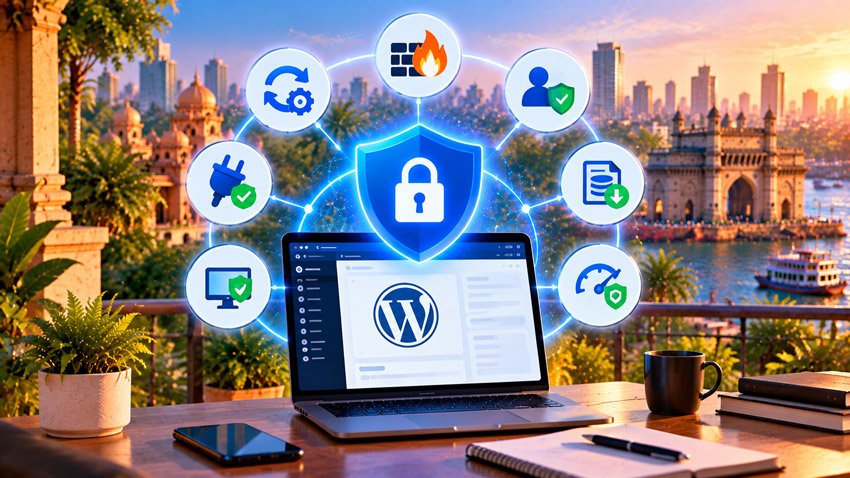
A security plugin alone isn’t enough. Real protection comes from updates, access control, hosting, monitoring, and backups working together, as our guide to the best WordPress plugins for small business websites also notes.
A Simple Routine You Can Actually Follow
Consistency beats complexity: a short recurring routine catches most problems before they become emergencies.
| Frequency | Task |
|---|---|
| Weekly | Apply updates, check security plugin alerts |
| Monthly | Review users and roles, delete unused plugins, test a restore |
| Quarterly | Audit all plugins for abandonment, review hosting features |
If You Handle Customer Data
If your site collects customer details through forms or orders, India’s DPDP Act expects reasonable security safeguards, and that makes basic hardening more than a technical nicety. The obligations are still phasing in, so confirm current requirements with a professional. India’s CERT-In also publishes cyber incident reporting directions, so it’s worth asking an adviser whether they apply to your business.
If Your Site Gets Hacked
Act quickly and in order: contact your host, restore from a clean backup, update everything, and change all passwords. Then scan for malware, remove unfamiliar admin users, and find out how the attacker got in, so it doesn’t happen again. If you’re unsure, a developer or security service can clean it properly.
Frequently Asked Questions
Q1. What’s the most important WordPress security step for a small business?
Keeping plugins, themes, and WordPress updated, and deleting unused ones. Outdated plugins are the most common route into small sites.
Q2. Do I need a security plugin?
It helps with scanning, firewalls, and login protection, but it isn’t enough alone. Pair it with updates, two-factor authentication, trusted plugins, and tested backups.
Q3. Are nulled themes and plugins really that dangerous?
Yes. They commonly contain backdoors and don’t get legitimate updates, which makes them a leading cause of hacked sites.
Q4. How often should I back up my WordPress site?
Daily for active sites and online stores, at least weekly for rarely changed sites, with copies stored off-site and a test restore every so often.
Q5. Is WordPress itself insecure?
Generally no. Most incidents come from vulnerable plugins, weak credentials, poor configuration, or unmaintained servers rather than core WordPress.
Conclusion
A WordPress website security checklist for small business owners in India comes down to a few consistent habits: update everything, delete what you don’t use, protect logins with two-factor authentication, avoid nulled products, and keep backups you’ve tested. Set aside a short weekly and monthly routine, and you’ll avoid the gaps behind most hacked small business sites.