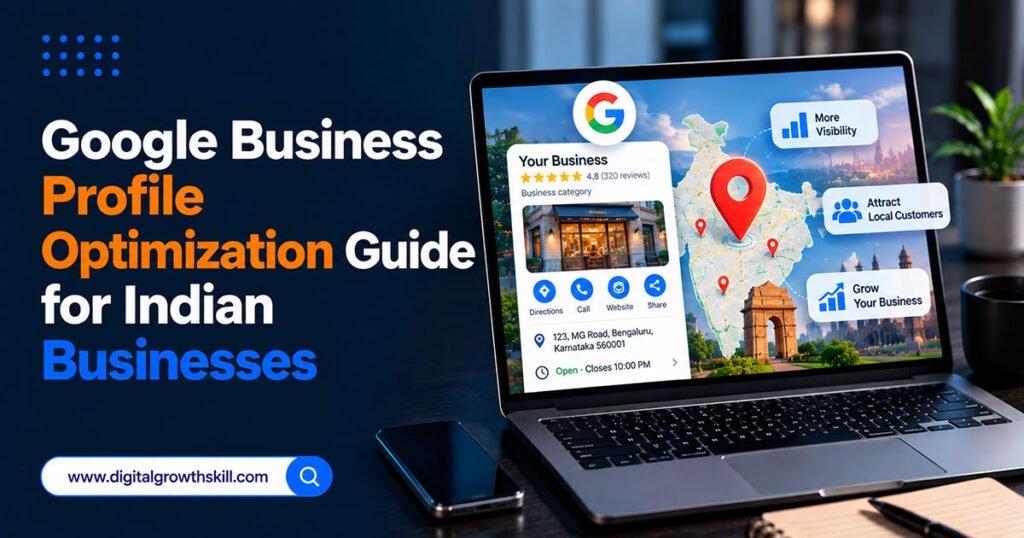
Google Business Profile optimization is the single fastest way for an Indian small business to show up when someone nearby searches for what you sell. Whether you run a clinic, a salon, a coaching centre, or a local shop, this free listing often decides whether a customer calls you or your competitor first.
This guide walks through every part of the profile that actually matters in 2026 — verification, categories, attributes, posts, and the mistakes that quietly get listings suppressed or suspended — so you’re not guessing which fields are worth your time. If you haven’t already, it’s worth starting with our complete local SEO checklist, which this guide expands on in detail.
Claim and Verify Your Profile First
Nothing else on your profile works until this step is done. An unverified Google Business Profile has severely limited visibility, no matter how complete the rest of it looks.
Go to business.google.com, search for your business, and follow the prompts. Google offers a few verification routes, and which one you’re offered depends on your business type and history:
| Verification Method | Typical Timeline | Best Suited For |
|---|---|---|
| Video | Often fastest, sometimes same-day | New listings, single-location businesses |
| Phone or Email | A few minutes to a day | Businesses with an existing Google account history |
| Postcard | Can take one to two weeks | Businesses without other verification options |
If you’re offered video verification, record one continuous take showing your signage, your interior, and yourself actively managing the business — this tends to be accepted faster than a static walkthrough.
Get Your Business Name and Category Right
A frequent, costly mistake is adding extra words to a business name — a city, a service, or “Best” or “#1” — to game rankings. Google verifies names against real signage and legal documents, and mismatches can trigger suspension.
Your primary category matters even more. It is widely considered the single biggest on-profile ranking lever available to you. A coaching centre listed simply as “School” competes in a broader, less relevant pool than one listed as “Tutoring Service” or a subject-specific category, if one exists.
Choose the narrowest, most accurate category Google offers, and only add secondary categories that genuinely describe additional services you offer — not ones you’re hoping to rank for.
Fill In Every Field, Especially Attributes
Once verified, a profile with gaps is a missed opportunity, not a finished listing. Add your phone number, website, complete address or service area, accurate hours (including holiday hours), and a clear business description written in plain language.
Attributes deserve more attention than most Indian business owners give them. These are the checkboxes — accessibility features, payment options, service guarantees — that help Google match your listing to specific searches like “salon with parking near me.” Log into your dashboard periodically, since Google adds new attributes as search behaviour shifts, and a profile that hasn’t been touched in months is likely missing several.
Use Photos, Posts, and Your Product or Service Catalog
Upload real photos of your location, team, and work — not stock images, which customers and Google both tend to discount. Add your services or products with clear names and descriptions, using the language customers actually search with rather than internal terminology.
Posting updates — offers, events, short tips — weekly is worth doing consistently. It’s worth being realistic about what this does: regular posting tends to lift click-through and engagement rather than directly moving your local pack position, but an active profile still signals a real, operating business to both customers and Google. If your listing links out to a site built on WordPress, it’s worth pairing this with a well-chosen set of WordPress plugins so the destination page matches the quality of the profile itself.
Manage Reviews and Answer Questions Proactively
Ask happy customers for a review soon after a good interaction, and respond to every review you receive, including negative ones — a thoughtful response often matters more to a future customer than the original complaint. Never buy reviews or trade them for discounts; this violates Google’s policies and risks the listing itself.
The Questions & Answers section is easy to overlook. Seed it yourself with the two or three questions customers ask most often, answered clearly, rather than leaving it empty for strangers to fill in with potentially inaccurate answers.
Track What’s Actually Working
Your profile’s built-in insights show views, calls, direction requests, and website clicks over time. If you want a cleaner read on how many enquiries specifically come from your profile, use a dedicated phone number or add tracking parameters to your profile’s website link. Pairing this with AI tools for WhatsApp Business marketing can also help you track and respond to enquiries that come in after a customer finds you through your profile.
One thing worth knowing plainly: running Google Ads does not influence your organic local pack ranking — the two systems are separate, so paid spend won’t substitute for a properly optimized profile.
Multi-Location Businesses Need Individual Attention
If you run more than one branch, each location needs its own fully built-out profile — copying the same description and photos across locations tends to underperform compared to unique, location-specific content. Mention the actual area served in each description, and let reviews from that location’s customers accumulate naturally rather than pooling them centrally.
Common Mistakes That Suppress Visibility
- Creating a second profile for a location that already has one, which risks both being suspended.
- Listing a fake or virtual address to appear closer to a target neighbourhood.
- Leaving the profile unclaimed, letting Google’s auto-generated version stand unmanaged.
- Ignoring the messaging feature after enabling it, which frustrates customers expecting a timely reply.
Frequently Asked Questions
Q1. How long does it take to see results after optimizing a Google Business Profile?
Many businesses notice measurable changes within four to eight weeks of a full optimization, with review activity often showing the fastest impact and photo or post activity building more gradual, sustained momentum.
Q2. Does paying for Google Ads improve my Business Profile ranking?
No. Google has stated that paid advertising does not influence organic local pack rankings, so ad spend and profile optimization are two separate efforts.
Q3. Can I edit my business category after verification?
Yes, categories can be changed at any time from your dashboard, and revisiting them periodically as your services evolve is worth doing.
Q4. What’s the fastest verification method available in India?
Video verification is commonly the quickest option where it’s offered, though eligibility depends on your business type and category.
Q5. Do I need a website if I have a strong Google Business Profile?
A strong profile can generate visibility on its own, but a website still helps with trust, deeper information, and capturing search traffic beyond what your profile alone reaches.
Conclusion
A genuinely optimized Google Business Profile is built field by field — correct verification, the narrowest accurate category, complete attributes, real photos, and consistent review responses — rather than any single trick. For Indian businesses competing in crowded local categories, this free listing is often the difference between being found and being invisible, and it rewards the businesses that treat it as an ongoing channel rather than a one-time setup task.