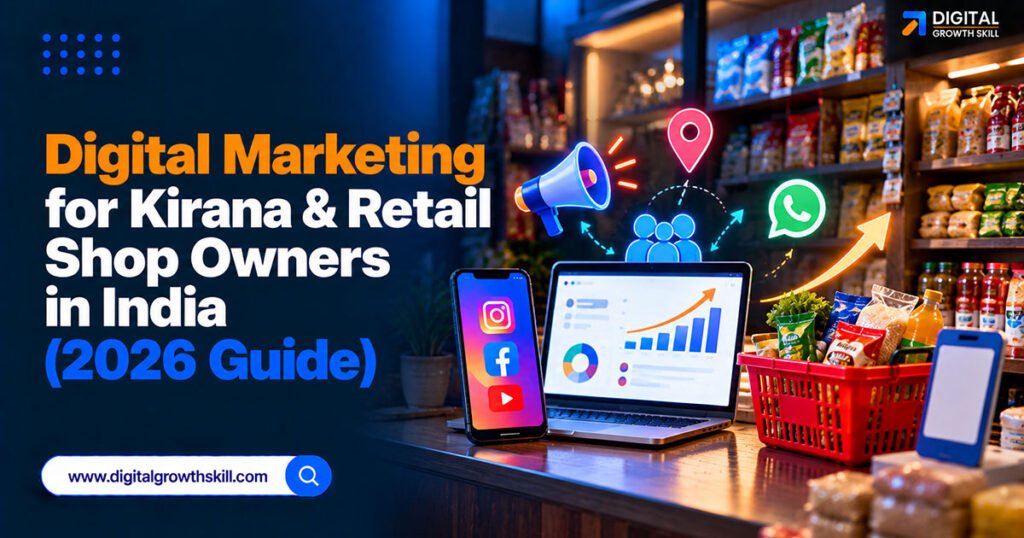
Digital marketing for kirana & retail shop owners in India doesn’t mean becoming an e-commerce company overnight — it means using WhatsApp, a Google listing, and increasingly ONDC to keep the regular customers quick commerce apps are chasing. This guide covers what actually matters for a neighbourhood shop, in the order that’s realistic to set up.
Quick Answer: Start with a WhatsApp Business catalogue and a UPI QR code at the counter, claim a Google Business Profile so nearby searches find you, and look into ONDC once WhatsApp ordering is running smoothly. Kirana stores still hold the large majority of India’s grocery market, and the businesses adapting fastest are combining old-fashioned trust with a few simple digital tools, not replacing one with the other.
Key Takeaways
- WhatsApp is already the most-used digital tool in a kirana store’s day, from taking morning orders to tracking evening credit — build on that instead of starting from zero.
- ONDC lets a small shop plug into wider digital commerce without joining a single proprietary app like a delivery platform, but manual catalogue entry is still the biggest barrier to actually getting listed.
- A Google Business Profile costs nothing and catches “kirana near me” and grocery searches from people who haven’t heard of your shop yet.
- Kirana stores still hold a large majority of India’s grocery market despite quick commerce growth — digital tools are for defending that position, not chasing a different business entirely.
Why This Matters Now, Not Later
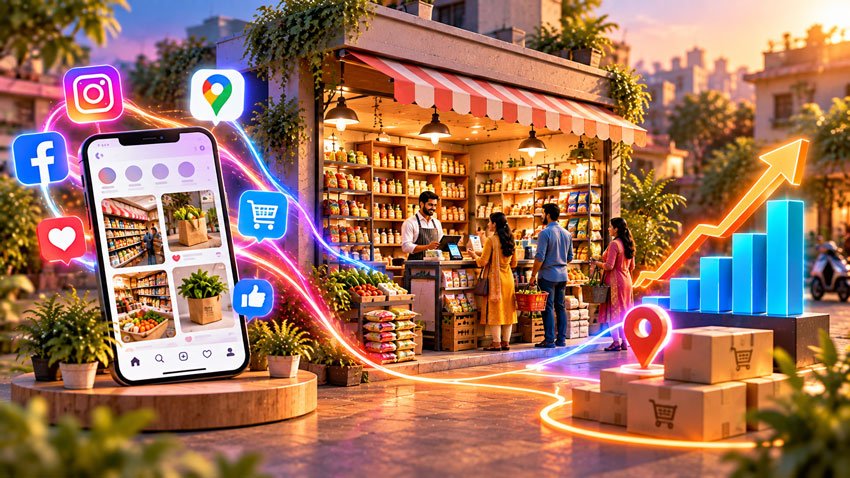
Quick commerce apps have taken real business from kirana stores in recent years, but kirana stores still hold the large majority of India’s grocery market, which means the right response is defending strengths digitally, not abandoning them. Local trust, credit for regular customers, and knowing what a household actually needs are advantages an app can’t easily replicate.
The shops adapting fastest aren’t becoming mini-Amazons. They’re adding a handful of digital tools around what already works: WhatsApp ordering, a Google listing, and a UPI-based checkout.
WhatsApp: Build the Digital Shop Here First
For most kirana stores, WhatsApp is already functioning as an informal ordering and credit-tracking tool, and formalizing it is the highest-value first step. Set up a WhatsApp Business catalogue with your top 50 to 100 items, add a “WhatsApp us to order” sticker at the counter and on any social media, and let regular customers send their list directly.
This doesn’t require the full WhatsApp Business API to start. The free WhatsApp Business app with a basic catalogue, clear hours, and quick replies covers most shops. A dedicated WhatsApp ordering tool becomes worth it once order volume grows enough that manual replies eat into your day.
Getting Onto ONDC Without a Tech Team
ONDC, the Open Network for Digital Commerce, is a government-backed protocol that lets any buyer or seller app connect to a shared network instead of locking sellers into one proprietary platform — similar in spirit to how UPI opened up digital payments. It’s genuinely significant for kirana stores specifically, since it’s one of the few digital commerce routes not owned by a single big platform.
The honest limitation: getting a shop’s full catalogue onto ONDC has historically required manual data entry, which is exactly the kind of task small shop owners don’t have time for. Newer camera-based cataloguing tools are starting to address this gap, and several ONDC-enabled seller apps and local aggregators now offer guided onboarding. Ask a local ONDC seller-app partner what onboarding actually involves before assuming it requires technical skill you don’t have.
Claim Your Google Business Profile
A completed Google Business Profile is free and captures customers searching “kirana near me” or a specific grocery item, who have no existing relationship with your shop. Add your exact address, hours, photos of your storefront, and your product categories.
This pairs naturally with WhatsApp: someone finds you on Google, then messages your WhatsApp number to check if an item is in stock, exactly the kind of cross-channel behaviour already common for Indian retail search.
UPI, Delivery, and Local Social Proof
A visible UPI QR code at the counter removes friction for younger, digital-first customers without excluding regular cash and credit customers. Combine it with simple local delivery, even if that just means a family member or staff delivering within walking distance, and mention delivery availability wherever you list your shop.
| Digital Tool | What It Does for a Kirana Store | Setup Effort |
|---|---|---|
| WhatsApp Business catalogue | Formalizes existing order/credit habits | Low |
| Google Business Profile | Captures nearby searches from new customers | Low |
| UPI QR code | Faster checkout, appeals to younger customers | Very low |
| ONDC listing | Access to wider digital commerce network | Moderate to high (catalogue entry) |
Common Mistakes Kirana Owners Make Going Digital
Trying to do everything at once — a website, social media ads, and ONDC all in the same month — usually means none of it gets done properly. Start with WhatsApp and Google, since both are free, low-effort, and build on habits your customers already have.
Ignoring digital credit and order tracking entirely is another common gap; even a simple spreadsheet or a basic kirana billing app reduces the daily friction that eats into time you could spend on customers.
Frequently Asked Questions
Q1. Do I need a website for my kirana store?
Not usually as a first step. A WhatsApp Business catalogue and a Google Business Profile cover most of what a small shop needs before a dedicated website becomes worth the effort.
Q2. Is ONDC worth the effort for a small shop?
It can be, especially as onboarding tools improve, but manual catalogue entry remains the main barrier. Check what a local ONDC seller-app partner’s onboarding process actually involves before deciding it’s too technical.
Q3. Will quick commerce apps put kirana stores out of business?
They’ve taken real business in metro areas, but kirana stores still hold the large majority of India’s grocery market overall. The stores adapting well are combining digital convenience with the local trust and credit relationships an app can’t easily replace.
Q4. How much does it cost to get started with digital tools as a kirana store?
The core steps — WhatsApp Business, a Google Business Profile, and a UPI QR code — are free. Costs come in later if you add a paid ordering tool or ONDC integration service.
Q5. Should I focus on WhatsApp or Google first?
WhatsApp first, since it builds directly on habits your regular customers already have. Google Business Profile is a close second, since it’s equally free and captures new customers you’d otherwise never reach.
Conclusion
Digital marketing for kirana and retail shop owners in India works best as an extension of what already makes these shops valuable — trust, credit, and local knowledge — rather than a replacement for it. Start with WhatsApp and a free Google Business Profile, add UPI at the counter, and treat ONDC as the next step once the basics are running smoothly rather than the first thing you tackle.